Workshop dashboard
Pin your active piece, jump into sessions, and reach wood blanks, patterns, and sharpening from one carved dashboard.
Bench ticket · No. 01
Your pocket woodshop for real carving days — projects, patterns, tools, and sessions in one warm workshop hub.
See what's on the bench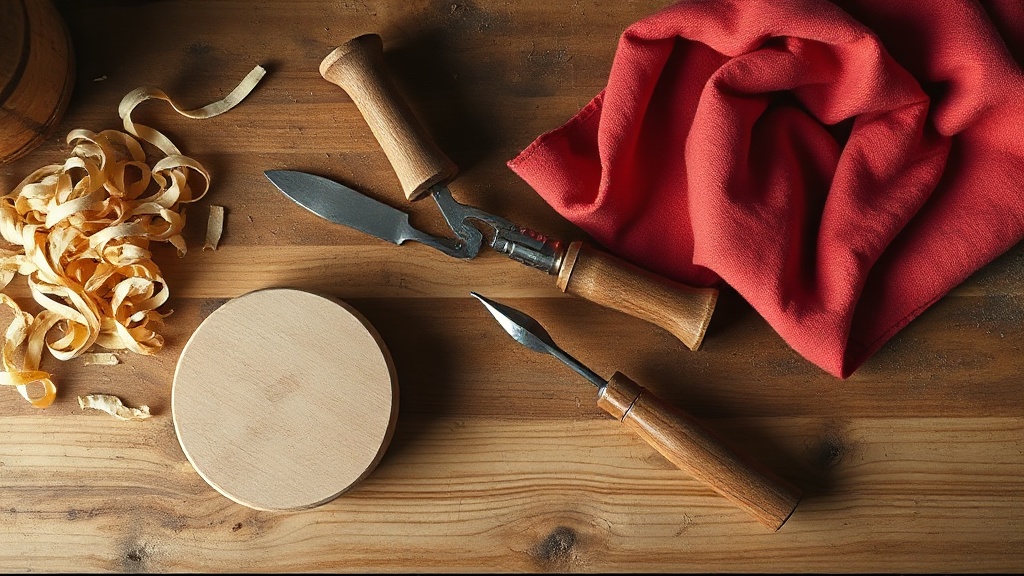
Everything a carver reaches for between the first sketch and the final finish.
Pin your active piece, jump into sessions, and reach wood blanks, patterns, and sharpening from one carved dashboard.
Track stages, checklists, measurements, and progress photos as each figurine, spoon, or relief panel takes shape.
Store carving patterns, log gouges and knives, scan QR labels, and keep sharpening history where you actually use it.
Shavings, blanks, and finished pieces — the rhythm of a real bench day.
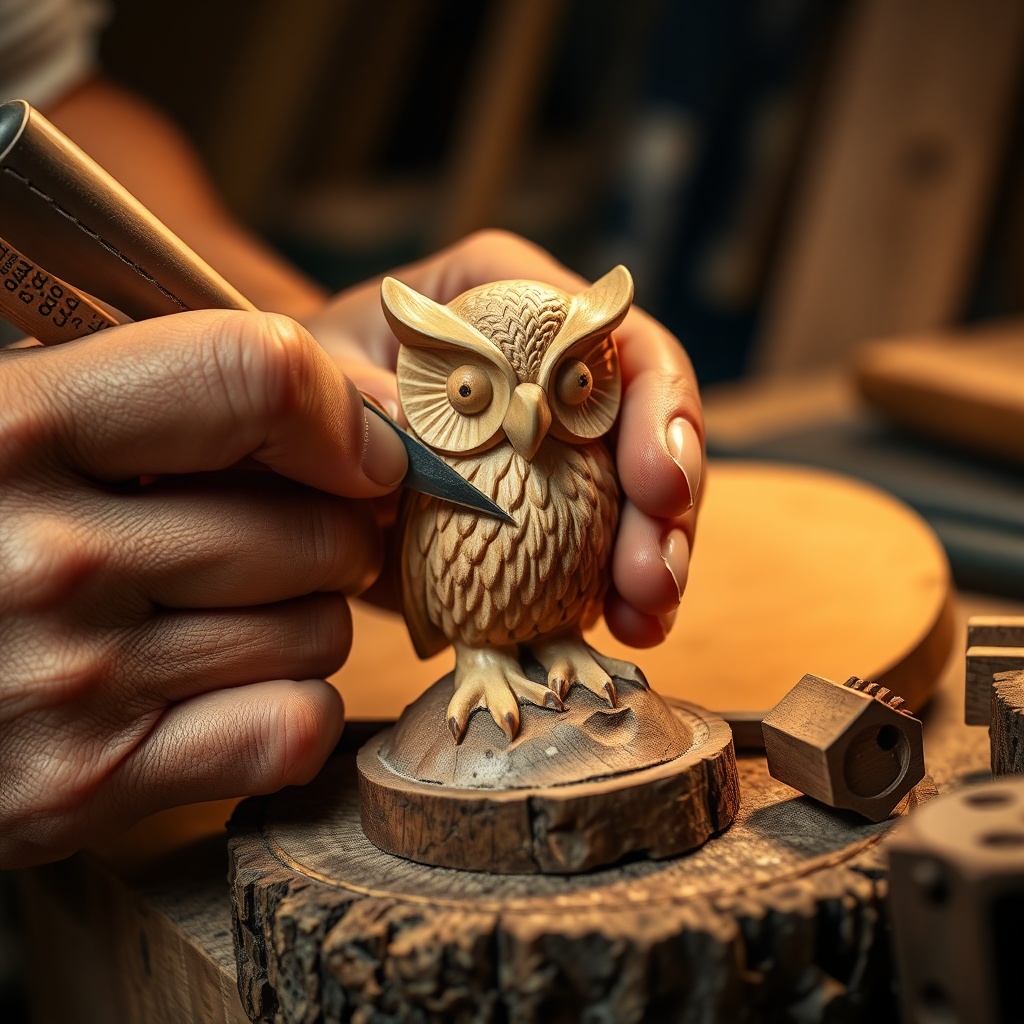
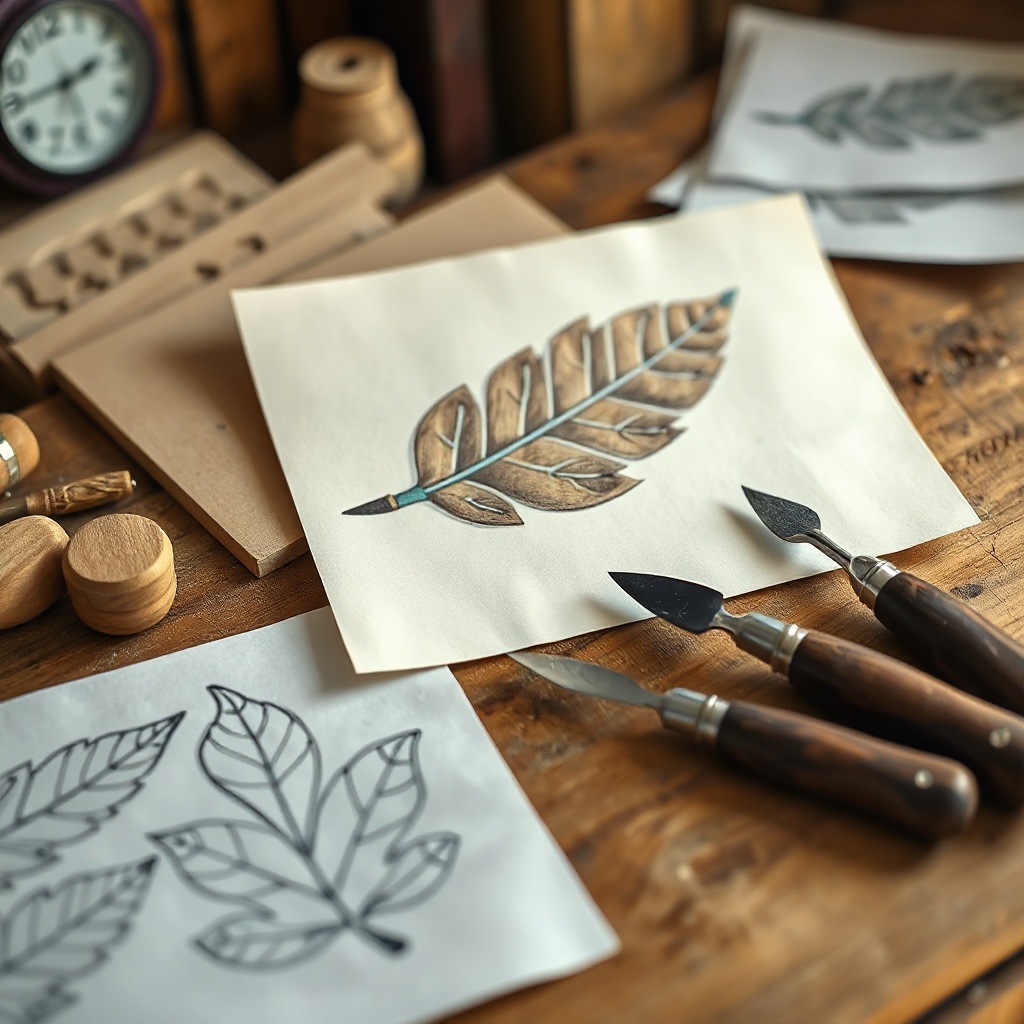
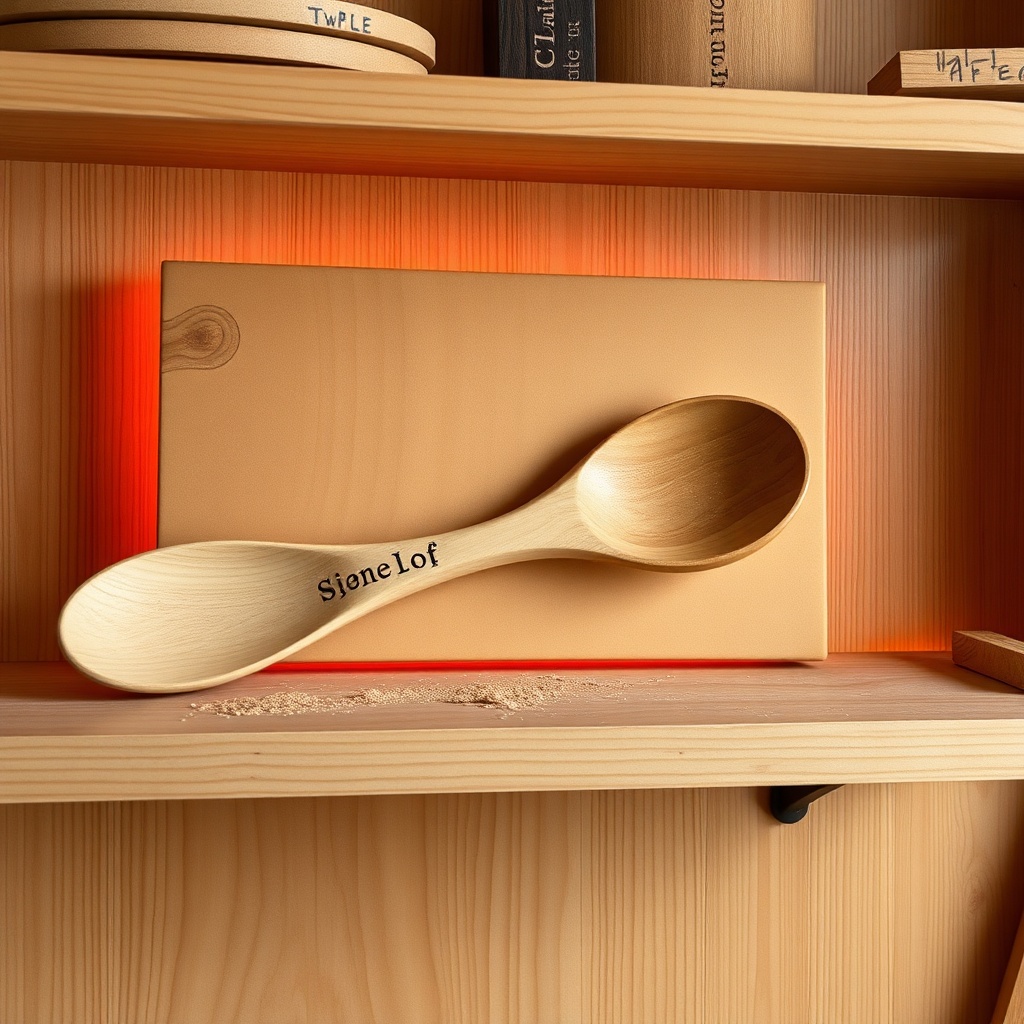
Whether you whittle spoons, shape figurines, or chase relief panels, Go Carving keeps your bench organized — warm, tactile, and built around the work itself.
Last updated: July 7, 2026
Go Carving ("the App") is developed to help woodcarvers manage projects, tools, patterns, and work sessions. This policy explains how information is handled when you use the App.
The App stores the content you create — project names, notes, photos, measurements, tool lists, and session logs — on your device. We do not operate a user account system and we do not collect personal data on our servers.
If you attach progress photos or scan QR labels, those images remain on your device unless you choose to export or share them through system share sheets.
We do not use third-party analytics, advertising identifiers, or cross-app tracking in the App.
The App is not directed at children under 13. We do not knowingly collect personal information from children.
We may update this policy from time to time. Continued use of the App after changes means you accept the updated policy.
Questions about privacy: ceonicolasbalcombe@gmail.com
Need help with Go Carving? We're glad to hear from carvers on the bench.